
As platform decay, corporate algorithm updates, and sudden moderation shifts continue to alienate creators and users on centralized hubs, the migration to the open, decentralized web has picked up tremendous momentum. Whether you are moving from Twitter to Bluesky or Substack to Ghost, one term has repeatedly bubbled up in conversations surrounding the future of the social web: the Personal Data Server (PDS).
To many non-technical users, a Personal Data Server sounds like a complex piece of enterprise networking equipment or a rack-mounted server huming in a closet. In reality, a PDS is a simple, revolutionary software concept that sits at the core of the AT Protocol (atproto)—the open framework powering Bluesky—and it is the ultimate tool for reclaiming your digital sovereignty.
In this comprehensive guide, we will break down what a PDS is, how it works in plain English, why it differs from traditional fediverse models, and how you can get started owning your digital identity.
What is a Personal Data Server (PDS)?
At its most basic level, a Personal Data Server (PDS) is a secure, private cloud folder that holds your entire social existence.
On traditional social media networks like Instagram or X, your data (your posts, your likes, your profile picture, and your follow list) is locked in their databases. If the company changes its rules, suspends your account, or shuts down, your social history and digital connections vanish overnight.
A PDS changes this dynamic entirely. Instead of your social data living in a corporate database, it lives in your PDS. You own the PDS, and you control access to it. When you log into a service like Bluesky, the app reads the data from your PDS and displays it to you. If you decide to change apps or use a completely different interface, you simply plug your PDS into the new app, and your entire profile, posts, and followers are immediately there.
Think of it like email: your emails are stored in your inbox (your mail server). You can access that inbox using Outlook, Apple Mail, or a web browser. The app you choose doesn't own your emails; you do, and you can switch email clients at any moment without losing a single message. A PDS does the exact same thing, but for your social media content and digital relations.
How a PDS Works on the AT Protocol
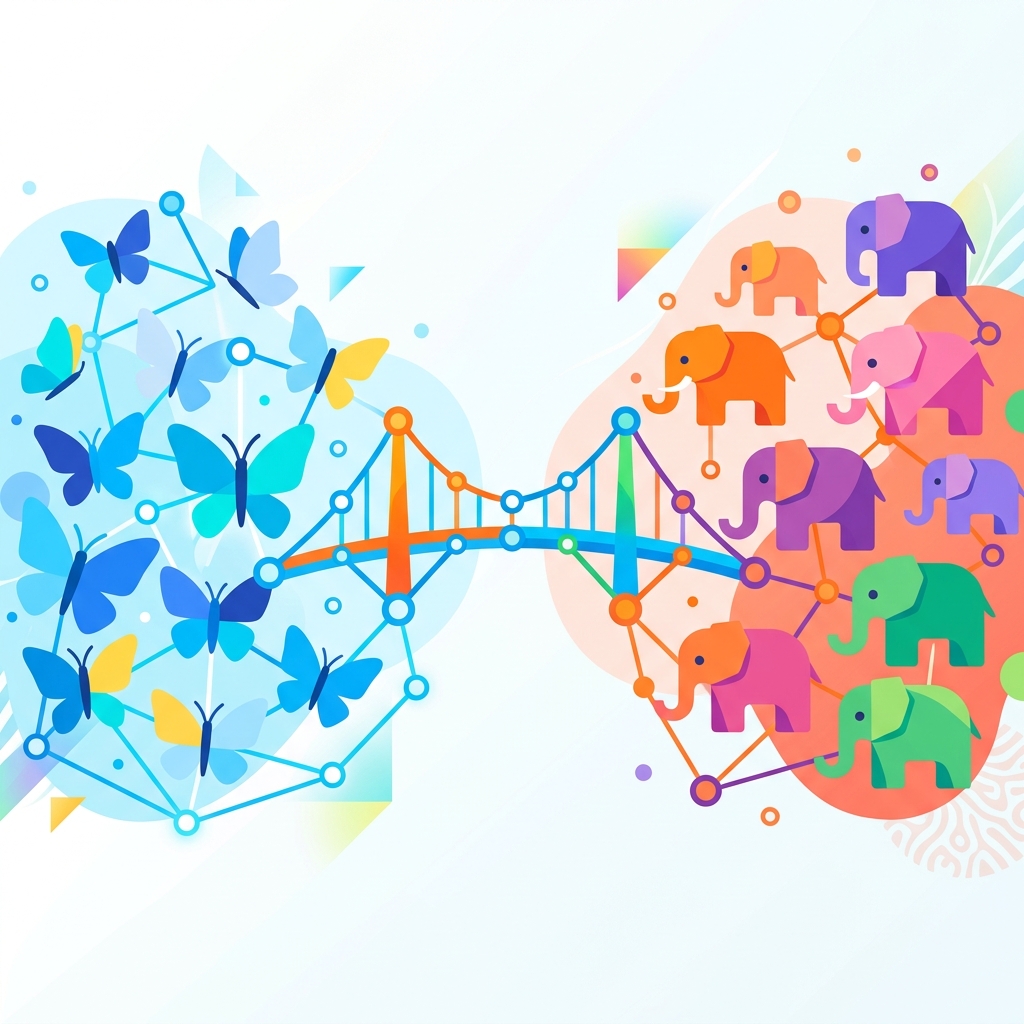
To understand how a PDS functions, it helps to understand the architecture of the AT Protocol. Unlike the traditional fediverse protocol, ActivityPub (which powers Mastodon), the AT Protocol separates the place where your data is stored from the place where your data is processed and searched.
This separation is achieved through two main components:
- The PDS (Personal Data Server): This is the database that stores your personal data. It keeps a repository of your posts, likes, following list, block list, and profile information. It is lightweight, fast, and does not require a massive amount of computing power to run.
- The AppView & Relay: These are heavy-duty indexing servers. They crawl the thousands of individual PDS nodes across the network, index the public posts, and handle the intensive search, feed algorithms, and notifications.
When you post a status update, it is written directly to your PDS. Your PDS then broadcasts a lightweight signal to the network Relays saying, "Hey, this user just posted something new." The Relays and AppViews grab the post, index it, and display it in the feeds of users who follow you.
This decoupling is a massive technical advantage. Because the PDS only has to manage one user's database (or a small group of users), it can easily run on a cheap cloud hosting tier or even a Raspberry Pi in your living room, without needing to process the entire global network's traffic.
PDS vs. Traditional Fediverse Instances
If you have used Mastodon or Lemmy, you are familiar with the concept of instances (servers). While both systems are federated, there is a fundamental difference in how data ownership is handled.
| Feature | Mastodon / ActivityPub Instance | AT Protocol PDS |
|---|---|---|
| Data Location | Shared database hosted by the instance administrator. | Dedicated private repository controlled by you. |
| Account Ownership | The server admin controls your account credentials and database entry. | You hold your cryptographic keys; you own the identity. |
| Migration Path | Requires exporting followers and importing them to a new server (posts do not migrate easily). | Instantaneous migration to another hosting provider with zero downtime or post loss. |
| Server Admin Power | If the admin shuts down the server, your account and posts are deleted. | If your PDS hosting provider shuts down, you redirect your domain to a new host. |
In the ActivityPub model, your identity is tied to the server domain (e.g., @user@mastodon.social). If mastodon.social goes offline, your account is gone.
With a PDS, your identity is represented by a DID (Decentralized Identifier), which is typically mapped to a domain name you own (like yourname.com). Because your DID is independent of the machine hosting your PDS, you can move your database to a new server provider, update your domain's pointer, and continue posting as if nothing happened. Your followers won't even notice you moved.
This makes a PDS immune to the classic fediverse threat of Defederation or admin burnout. As we analyzed in our guide on taking control of your audience, true creator independence requires decoupling your digital identity from any single service provider.
Why You Should Run or Host a PDS
For the vast majority of users, Bluesky hosts their PDS for free when they sign up. However, hosting your own PDS (or using a paid independent hosting provider) offers major benefits:
1. Complete Privacy Control
Since you own the database, you control who has access to your raw social data. You can set rules on how crawlers index your posts, and you can guarantee that your files are not being packaged and sold to third-party advertisers.
2. Resistance to Censorship
If a centralized social app decides to ban your account or restrict your reach, they can block your access to their front-end client. However, they cannot delete the posts stored on your own PDS. Your content remains online, and any other client or search engine built on the open protocol can continue to pull and display your posts.
3. Infinite Customization
A PDS is not limited to social media posts. Because it is a general-purpose personal database, developers are building tools to host blogs, portfolios, calendar events, and even e-commerce products directly from a PDS. As we discussed in our article on exporting your Substack mailing list, utilizing open-source integrations like ATmosphere allows you to syndicate and host your own subscriber lists on the open web.
How to Get Started with a PDS
If you want to take the leap into self-hosting, the process has become incredibly user-friendly:
- Get a Domain Name: Your domain name (e.g.,
alice.com) will act as your permanent digital address. - Choose a Hosting Method:
- Self-Hosted: If you have technical experience, you can deploy the official PDS software container on a virtual private server (VPS) using providers like DigitalOcean or Hetzner for under $5 a month.
- Hosted Services: Managed hosting providers are emerging that will run and maintain a PDS for you for a small monthly fee, giving you all the benefits of ownership without the command-line maintenance.
- Link Your Domain: Set up a DNS record pointing your domain to your PDS IP address.
- Log In: Open any AT Protocol client (like Bluesky or Graysky), select "Custom Server," enter your PDS URL, and log in with your account keys.
Conclusion: The Future of Digital Sovereignty
The Personal Data Server represents a paradigm shift in how we interact online. It shifts the power balance back to the individual, ensuring that creators, businesses, and regular users own their social graph, their intellectual property, and their channels of communication.
By establishing your own PDS, you are no longer renting space in a corporate walled garden. You are building a digital home on land that you own.
Sources and References
- AT Protocol Developer Portal: Understanding the Personal Data Server (PDS) Specifications
- IETF Standards: Decentralized Identifier (DID) Architecture Specifications
- Bluesky Social Documentation: Custom Domain and Decentralized Identity Settings
- W3C Recommendation: ActivityPub Decentralized Social Protocols
Comments
Loading comments from the Open Web...